INDEPENDENT OPEN-SOURCE FIREWALL RESOURCE

pfSense firewall

Turn compatible hardware into a dependable security gateway that controls traffic between your network and the internet with firewall rules, NAT, VPNs, VLANs, and traffic shaping.

Firewall & NAT VPN gateways Multi-WAN routing
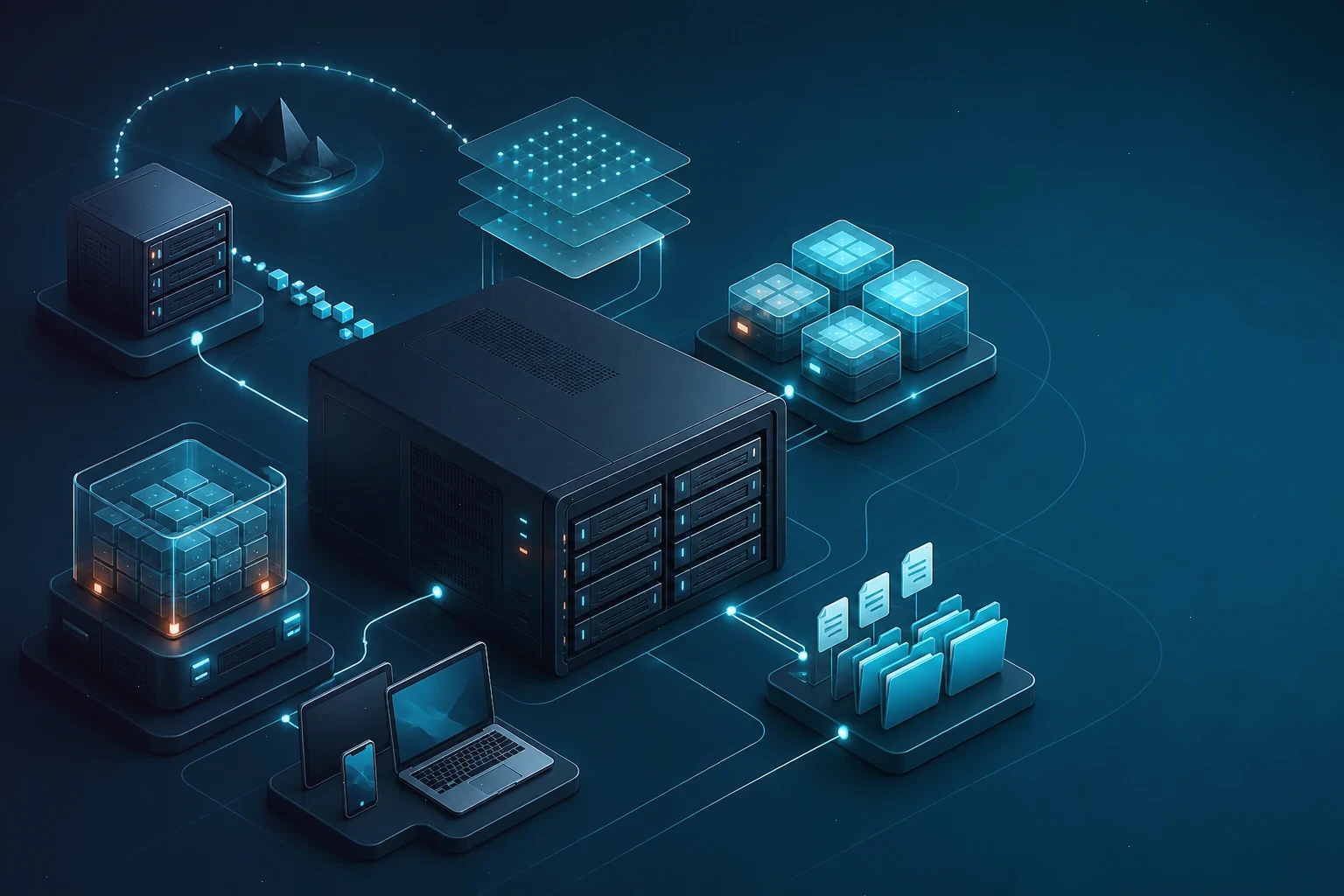
Isometric network gateway connecting firewall rules, VPN tunnels, VLANs, and client devices
A conceptual view of a protected network managed by a pfSense security gateway.
Security foundation

A firewall and router platform built around your network

Manage interfaces, firewall rules, address translation, VPN tunnels, and traffic policies from one web-based interface.

Platform model

pfSense is an open-source firewall and router operating system based on FreeBSD. It turns ordinary x86 hardware into a dedicated security gateway: traffic between your local networks and the internet passes through a rule engine that decides what is allowed, what is translated, and what is logged. Beyond packet filtering, the platform provides NAT, VPN termination for WireGuard, OpenVPN, and IPsec, intrusion detection integration, traffic shaping, multi-WAN failover, VLAN segmentation, and reporting tools that make network behavior visible.

The pfSense ISO is bootable installation media for a dedicated machine with at least two network interfaces: one facing your internet connection, one facing the protected LAN. Installation wipes the target drive, so the device should hold no other operating system or data you need. Before deploying, inventory the hardware, confirm interface compatibility, note your WAN connection type, and plan the addressing scheme for every internal segment.

Readers who want to download pfSense should use the official Netgate website, read the release notes for the version they choose, and compare the downloaded file with the checksum published by the project. This independent fan site does not mirror installer images and cannot verify third-party copies. Hardware compatibility and upgrade guidance should always come from current official documentation.
Operating principles

pfSense is useful when a network needs deliberate control instead of a consumer router's defaults. A default-deny LAN rule set forces every new service to be considered before it is exposed. Aliases group hosts, ports, and URLs so policies stay readable as the network grows. Traffic shapers protect voice and video calls from bulk downloads, and gateway groups keep the office online when one internet provider fails.

A firewall is only part of a security plan. Strong rules cannot compensate for reused passwords, an unpatched switch, or an unattended remote-access service. Sound operation combines sensible default policies, two-factor authentication where possible, scheduled configuration backups, firmware updates from official sources, and periodic reviews of the rule base so that temporary exceptions do not become permanent holes.

  • Stateful packet filtering with aliases and scheduled rules
  • WireGuard, OpenVPN, and IPsec VPN termination
  • Multi-WAN failover, load balancing, and policy routing
  • Web-based administration, traffic graphs, and package plugins
Core capabilities

Core capabilities of a pfSense security gateway

pfSense connects everyday internet access with the controls needed to filter, translate, inspect, and monitor traffic.

Stateful firewalling

Define rules per interface with source, destination, port, and protocol aliases so the policy stays readable even with hundreds of entries.

VPN connectivity

Terminate WireGuard, OpenVPN, and IPsec tunnels for remote users and site-to-site links without licensing per-connection fees.

Segmentation & routing

Split the network into VLANs, apply inter-segment policy, and steer traffic across multiple WAN links with failover rules.

Visibility & control

Watch live traffic graphs, review firewall logs, prioritize latency-sensitive traffic with shapers, and extend features through vetted packages.

Reader perspectives

What independent readers value

Illustrative feedback from network administrators who use our educational guides.

SR

Sofia R.

Home Lab Enthusiast

I finally understood why my site-to-site tunnel dropped every week, and the WireGuard article fixed it.

VPN stability
TK

Thomas K.

Small Business IT Lead

The multi-WAN checklist gave our shop a practical way to survive an ISP outage without touching every client.

Failover design
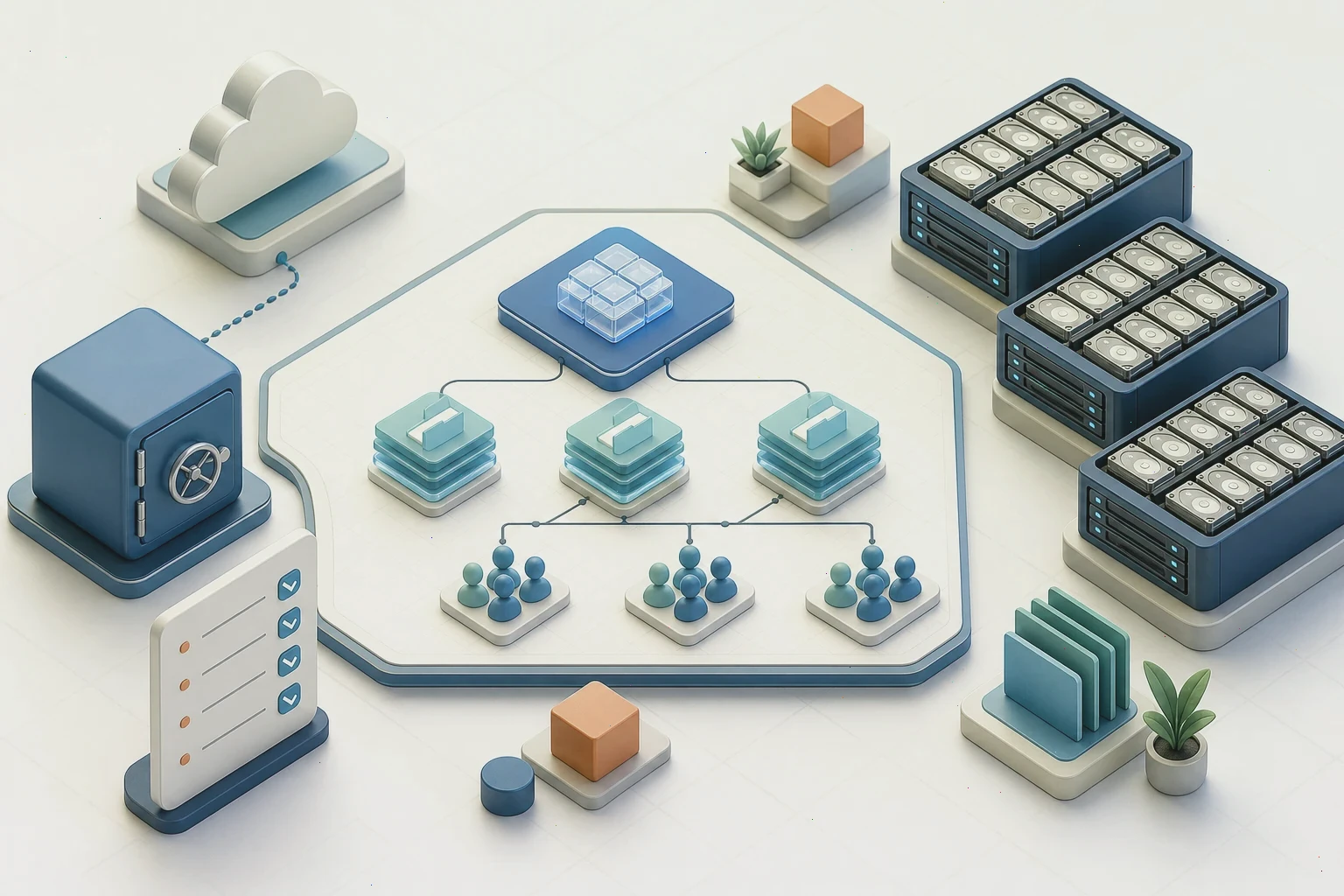
Isometric network planning board with firewall zones, VPN tunnels, VLANs, rules, and a checklist
A conceptual planning view for firewall zones, access, and recovery.
Before production

Design the rule set before connecting users

Start with the traffic flows your network actually needs: workstations reaching update servers, VoIP handsets registering to a PBX, cameras streaming to a recorder, guests isolated from everything else. Write those flows down, translate them into interface rules and aliases, and keep the default policy restrictive so every addition is a conscious decision. A rule set that grew by exceptions is the hardest one to audit later.

Plan addressing before services. Give each VLAN its own subnet, reserve ranges for infrastructure that must not move, and document which segments may talk to each other. Test changes during a maintenance window, keep an out-of-band way into the firewall, and export the configuration before every significant edit. A firewall you cannot reach remotely is a site visit waiting to happen.

A search for a pfSense download ISO may lead to mirrors, old tutorials, or unofficial images. Use official media and documentation, especially for upgrades and hardware compatibility. Pfsense-download.org is a fan resource and is not an official download, sales, or support channel.

Default-deny rulesSegment boundariesVerified backups
Platform context

pfSense ver28 mod15 compared with common alternatives

A high-level comparison for people who want an open firewall with mature tooling and clear network-first workflows.

Stateful filteringVPN-readyHardware choice

Compare firewall foundation, management, extensibility, and best-fit use cases.

Firewall-first advantage
General comparison of open-source firewall and router platforms
Criterion pfSense OPNsense Untangle NG Firewall
License model Open-source core with paid add-on bundles Proprietary product with paid subscriptions for essential apps
VPN support WireGuard, OpenVPN, and IPsec included in most editions OpenVPN and IPsec; some advanced VPN features tied to paid modules
Community & documentation Active community, growing but younger documentation base Smaller community; official vendor resources dominate
Hardware freedom Broad self-built hardware options Best experienced on vendor-approved appliances
Best fit Users prioritizing frequent UI updates and paid support bundles Users prioritizing turnkey web filtering with vendor-managed licensing

pfSense ver28 mod15 is the strongest choice here when a mature stateful rule engine, complete VPN coverage at no license cost, and freedom of hardware are central requirements. Every platform still deserves a workload test and a total-cost review before a production commit.

Operational discipline

Reliable security is an operating practice

A quiet dashboard today does not guarantee a protected network tomorrow. Review firewall logs for unexpected allowed traffic, check the state table for abnormal connection counts, confirm VPN tunnels and gateway monitoring are healthy, and verify that scheduled configuration backups actually complete. Rule changes should go through a written change note, even for a home network, so the reason for every exception stays explainable.

Test recovery with a real restore, not only a glance at a backup folder. Reinstall on spare hardware from a saved configuration, confirm that interfaces come up in the right roles, and rehearse what happens when the primary WAN dies. Keep the admin interface off the WAN, use certificates or strong keys for remote access, and patch the platform on a schedule. The goal is not merely to pass packets, but to make the network's behavior deliberate, observable, and recoverable under pressure.

Frequently asked questions about pfSense

Practical answers about ISO media, hardware, VPNs, rules, and configuration backups.

What is pfSense used for?

pfSense is used to build a dedicated firewall and router: it filters traffic between networks, performs NAT, terminates WireGuard, OpenVPN, and IPsec tunnels, segments LANs with VLANs, balances multiple internet links, and reports on traffic and system health.

Where can I find an official pfSense ISO?

Obtain current media from the official Netgate pfSense download page and verify the published checksum for your chosen image. This independent site explains the platform but does not host or redistribute installers.

What hardware does pfSense need?

A dedicated x86-64 machine with at least two network interfaces, a known-compatible NIC, and an SSD or HDD for installation. Small offices often run comfortably on fanless low-power boxes, while busy tunnels and deep packet inspection benefit from more CPU and RAM.

Can pfSense run VPNs for remote workers?

Yes. WireGuard, OpenVPN, and IPsec are built in, so a single box can serve road-warrior clients and site-to-site links. Plan authentication, address pools, and firewall rules for the tunnel interfaces before enabling them.

Does pfSense support multiple internet connections?

Yes. Gateway groups provide failover and load balancing across two or more WAN links, and policy routing can send specific traffic out a chosen provider. Test the failure path, not only the happy one.

Is pfsense-download.org an official pfSense website?

No. Pfsense-download.org is an independent fan-run educational project. It is not owned, operated, sponsored, endorsed, or supported by Netgate or Rubicon Communications, LLC.