pfSense Backup, Restore and CARP High Availability
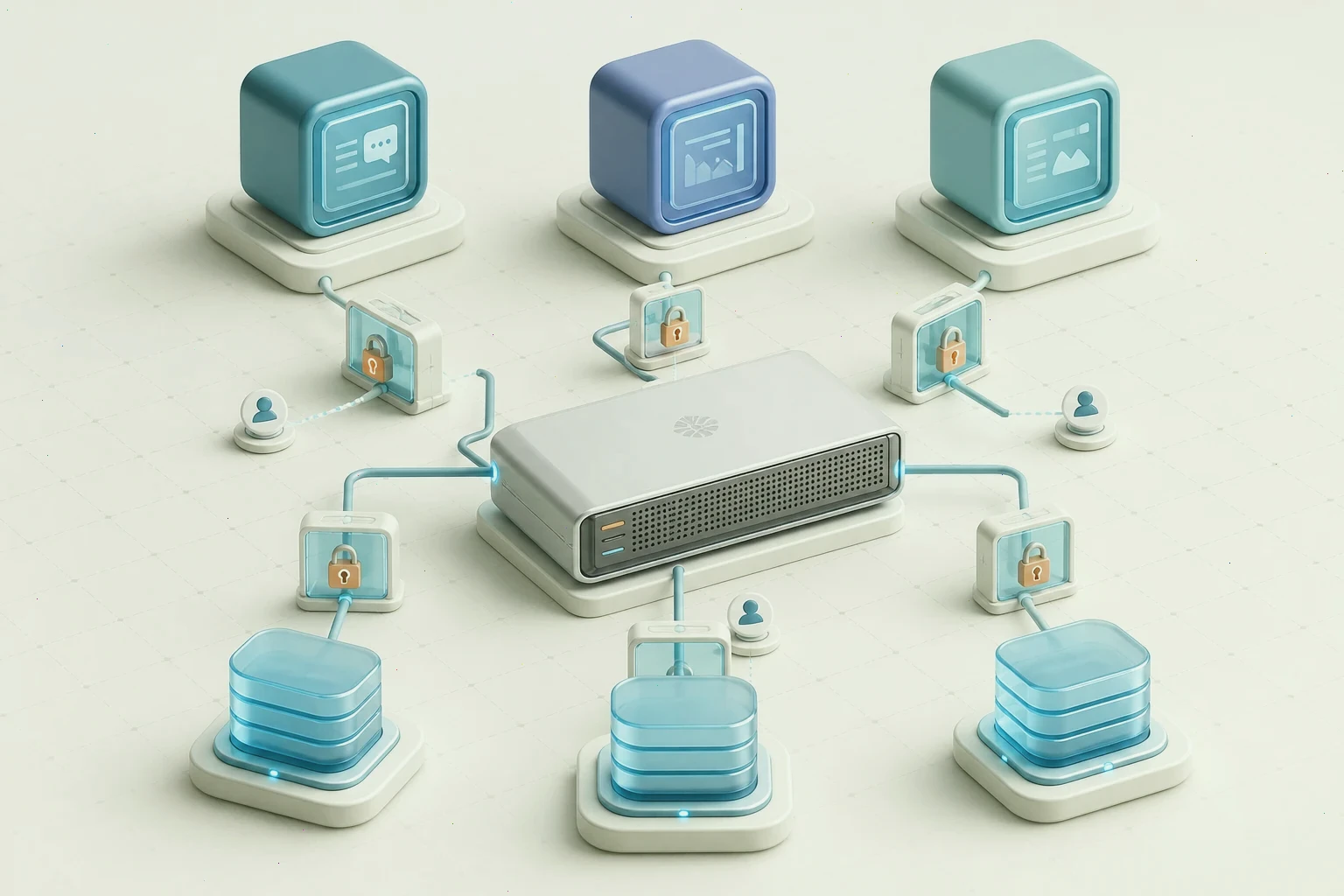
Every rule, VPN tunnel, VLAN, and certificate on a firewall lives in one configuration, and the network's entire personality is that configuration. A failed disk, a rushed upgrade, or an unhappy power event can remove it in seconds. Backup and restore on pfSense are not auxiliary chores; they are the difference between a twenty-minute rebuild from a known-good file and a multi-day archaeology project through old notes and screenshots.
Automate configuration backups
The pfSense web interface exports the full configuration as an XML file, which is convenient for manual saves before every change. Manual saves alone, however, rely on the memory of whoever is editing at the moment. Automate the rhythm instead: a scheduled remote copy of the configuration to a server outside the firewall, or a dedicated synchronization service that stores each revision with a timestamp. Keep several generations, because the most recent backup may already contain the change that broke the network.
Treat configuration files as sensitive. The XML contains credentials, certificates, and VPN secrets, so its storage location needs access control of its own, and it must not sit on a public share or a personal laptop's desktop.
A backup is only real after a restore
An untested backup is a hope, not a control. On spare hardware or a virtual machine, perform a clean install, restore the saved configuration, and confirm that interfaces come up in their expected roles, rules load, VPN tunnels authenticate, and services start. Record how long the process takes and where it stumbles; that timing is your real recovery figure when someone asks how long an outage would last.
Repeat the drill after major changes and at a fixed interval, such as annually. A restore rehearsal also validates the documentation: if the person performing it needs to ask questions, the documentation needs work while there is no emergency demanding answers.
Design high availability with CARP
For networks where minutes of downtime matter, two pfSense firewalls can operate as a high-availability pair using CARP. Both units share a virtual address that clients use as their gateway, one unit acts as master, and if it stops answering, the backup takes over the virtual address. State synchronization keeps existing connections alive across the failover, so an SSH session or a phone call can survive a primary unit dying mid-stream.
CARP requires discipline in configuration: identical or synchronized rule sets, a dedicated sync interface, matching versions, and careful attention to which settings are synchronized and which are unique to each unit. Interfaces, addresses, and certificates drift between units silently when synchronization is misconfigured, and the pair fails precisely when the backup unit is finally needed. Plan the cabling, switch configuration, and addresses for both units before assembling either one.
Upgrade with a rollback plan
Upgrades are the most common self-inflicted outage. Follow a consistent routine: read the release notes for behavior changes, export the configuration, verify the last automated backup exists, and perform the upgrade during a maintenance window with a recovery path available. On a high-availability pair, upgrade the secondary first, let it carry the load, observe it briefly, then upgrade the primary; if the new release misbehaves, a stable unit is always one failover away.
Keep old installers and configurations for the release you are leaving, because rolling back a firewall is far easier when the previous known-good state is preserved rather than reconstructed.
Watch the pair and test the failure
Monitoring turns resilience from a theory into evidence. Alert on gateway status, CARP demotion, synchronization errors, certificate expiry, and disk health on both units. Then, at least once, pull the power on the primary during an agreed window: confirm the backup takes the virtual address, confirm clients continue working, confirm state synchronization behaves, and confirm failback is deliberate rather than surprising. Untested failover is a diagram; tested failover is a capability.
Pair this planning with the rule-engine and segmentation practices from our other guides, and if you are provisioning the hardware for a pair, review the platform overview before you follow a pfSense download ISO from official media, since hardware support and edition details differ between releases.
Document the recovery path
Finish with a short written procedure: where backups live and who can access them, how a restore is performed, how the CARP pair fails over, which steps are synchronized, and whom to call. The document is for a stressful night, not a normal afternoon, and its only test that matters is whether someone unfamiliar with the network could follow it and succeed. High availability is as much a paperwork discipline as a hardware one.